
How to inspect a moving part
Choose a design and edition above. In the 3D assembly, select a component in the parts list to locate it on the model. Use the 2D drawing to compare positions, then open the studio images to see the exterior.
Read the myGrove cassette clearance study ↗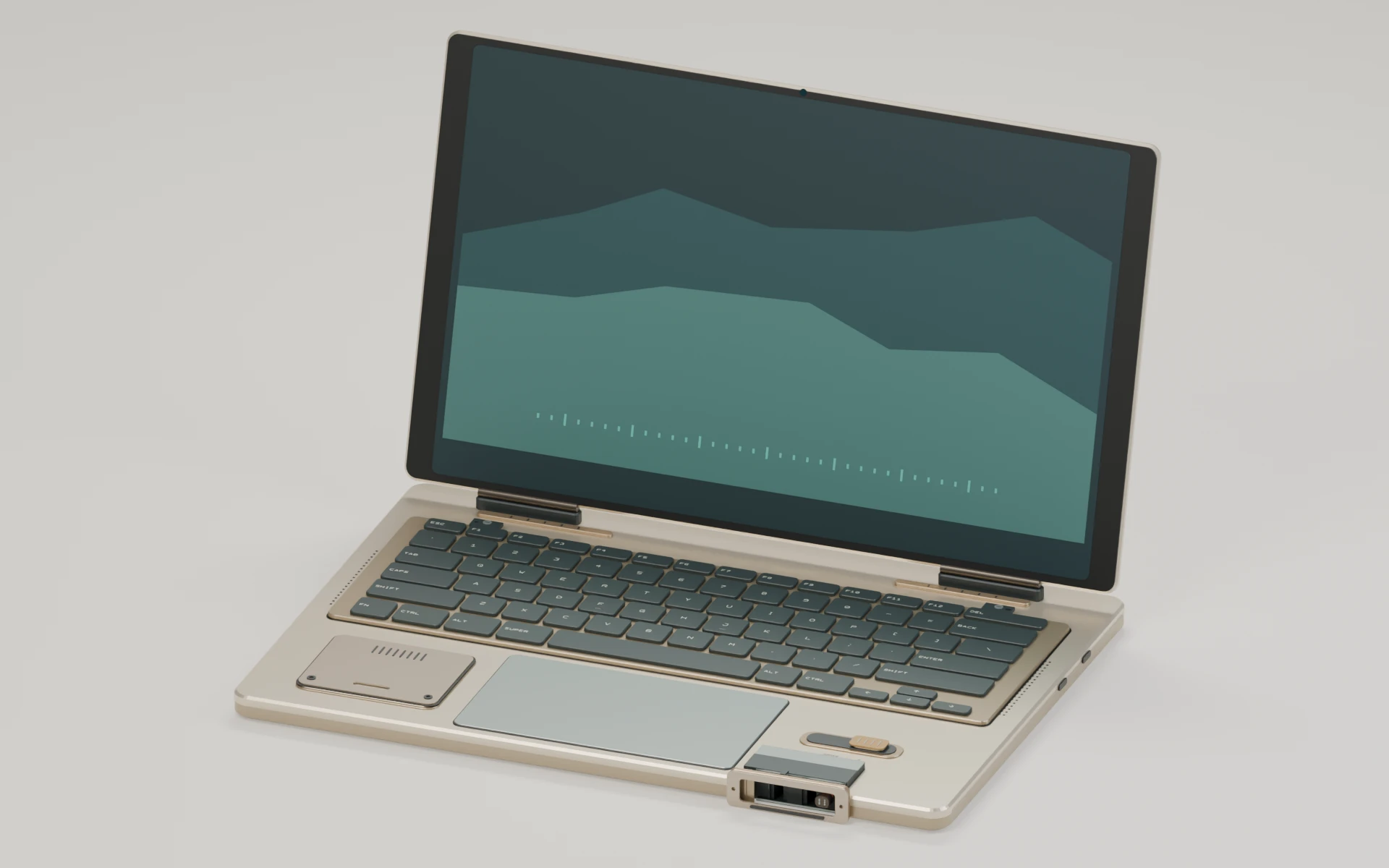
Appearance study
Finish studio
Choose an exterior finish.
Custom colours
Use one colour from a palette
Glass, optical openings and screens keep their own materials.
Lineup tools
Devices and instruments
Model library
Design & experimental work
Choose a test.
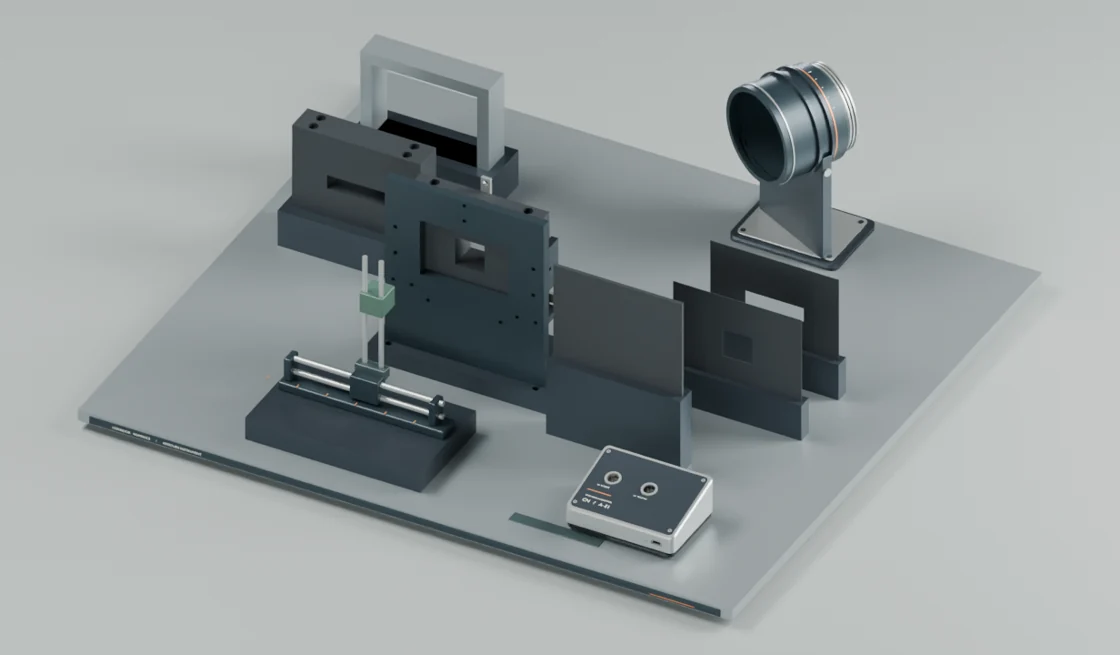
Open hardware
Build your own aperture instrument.
Inspect the instrument, download its editable source, and compare your own measurements.
Open the build files and experiment ↗