Corridor Numerics

Gen 2 / The collection

Five devices.
Six finishes.

Meet myPip, myRoam and myGrove, our camera phone, notebook and desktop. Explore their controls, finishes and service details, then step into the lab with Raven Lab and Raven Lab Studio.

In development The images below are renderings of our Gen 2 engineering designs. Our first planned build is the proof of concept aperture instrument.

Gen 2 / Design film

First Light

The film places our five Gen 2 engineering designs on a limestone terrace above the Red Sea. Watch the light move across their rendered surfaces and controls.

Film archive / Design 27

Within Reach

See the stand lift, the controls come into reach and the finishes catch the light. A 50-second film of the Integrated line.

Gen 2 / Integrated line

Personal devices

Three familiar devices, each designed around the way it is held, opened or placed on a desk.

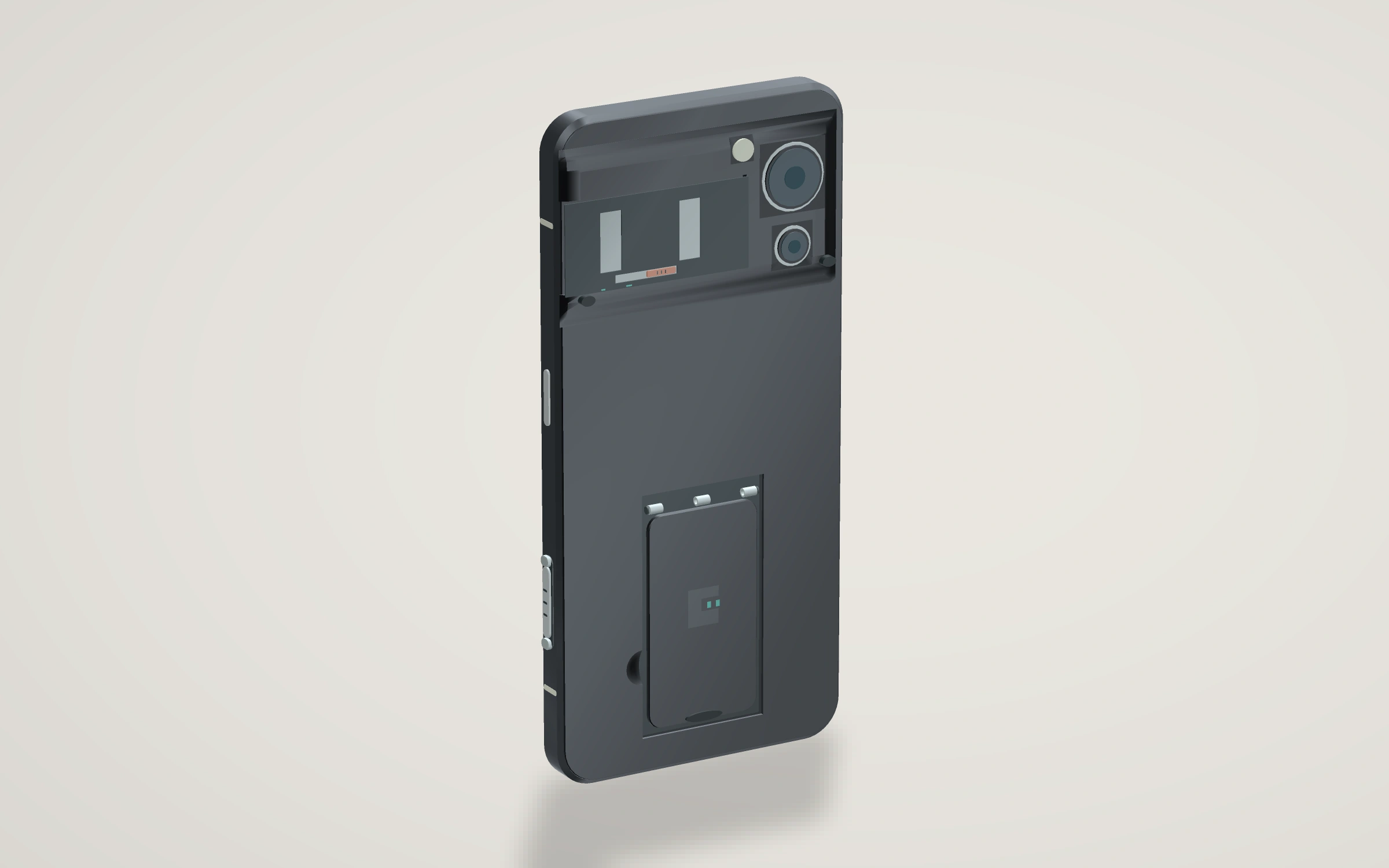
myPip assembled exterior.
myPip · Gen 2 · Engineering design rendering · Carbon

Camera phone

myPip

Prop the phone on a table for a photograph or a call. Lift the slim stand from the back, then fold it flush beside the camera terrace.

Engineering notes

Does the light cue actually help someone take a more readable photograph? Compare it with an ordinary camera preview under the same conditions.

Turn myPip

Details in the hand / myPip
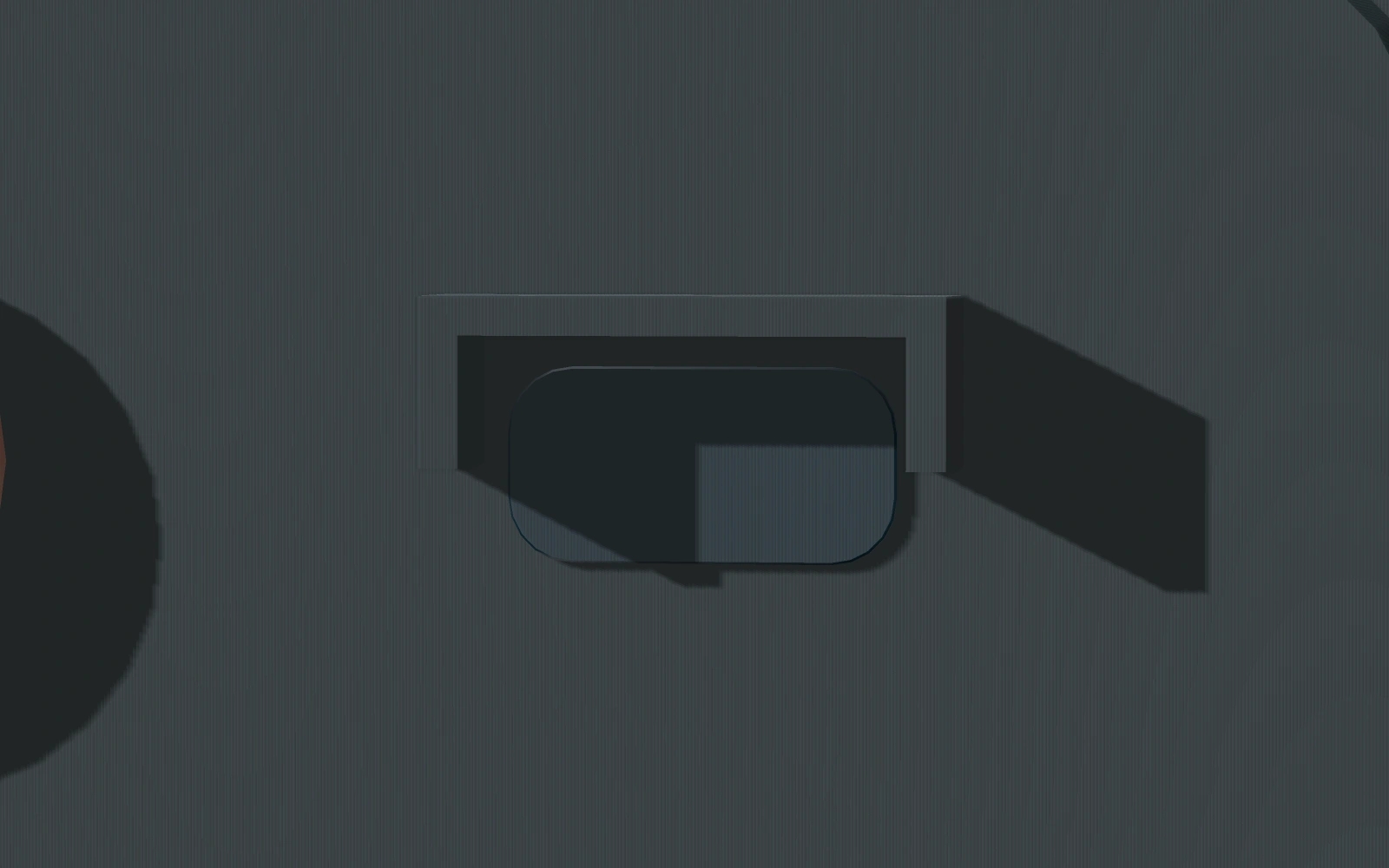
Lift the stand on myPip
Lift the standThe shallow scoop beside the stand gives a fingertip room to lift the pinned leaf.
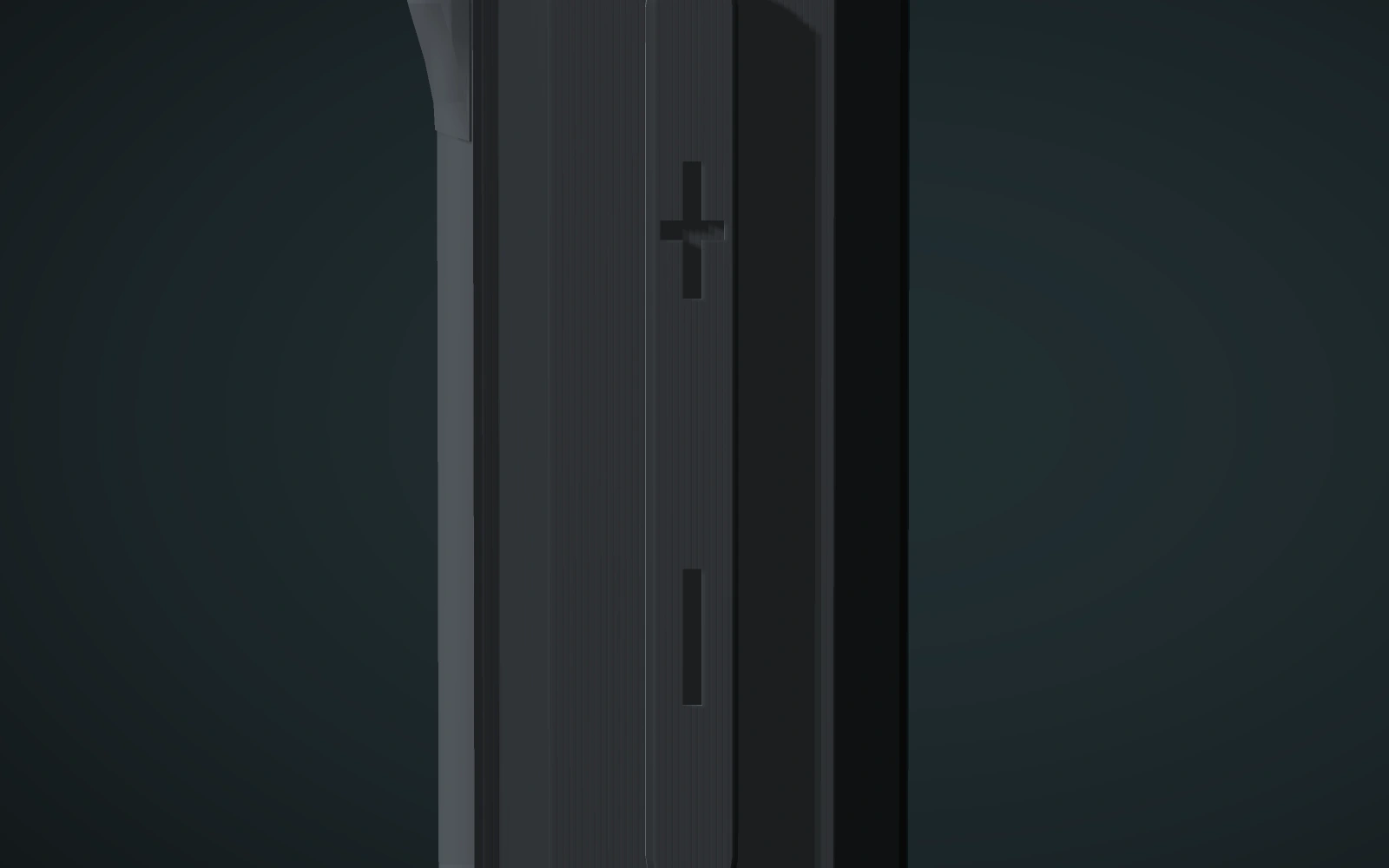
Find the volume rocker on myPip
Find the volume rockerPlus and minus are recessed in the side control. Their shapes stay within its existing outline.
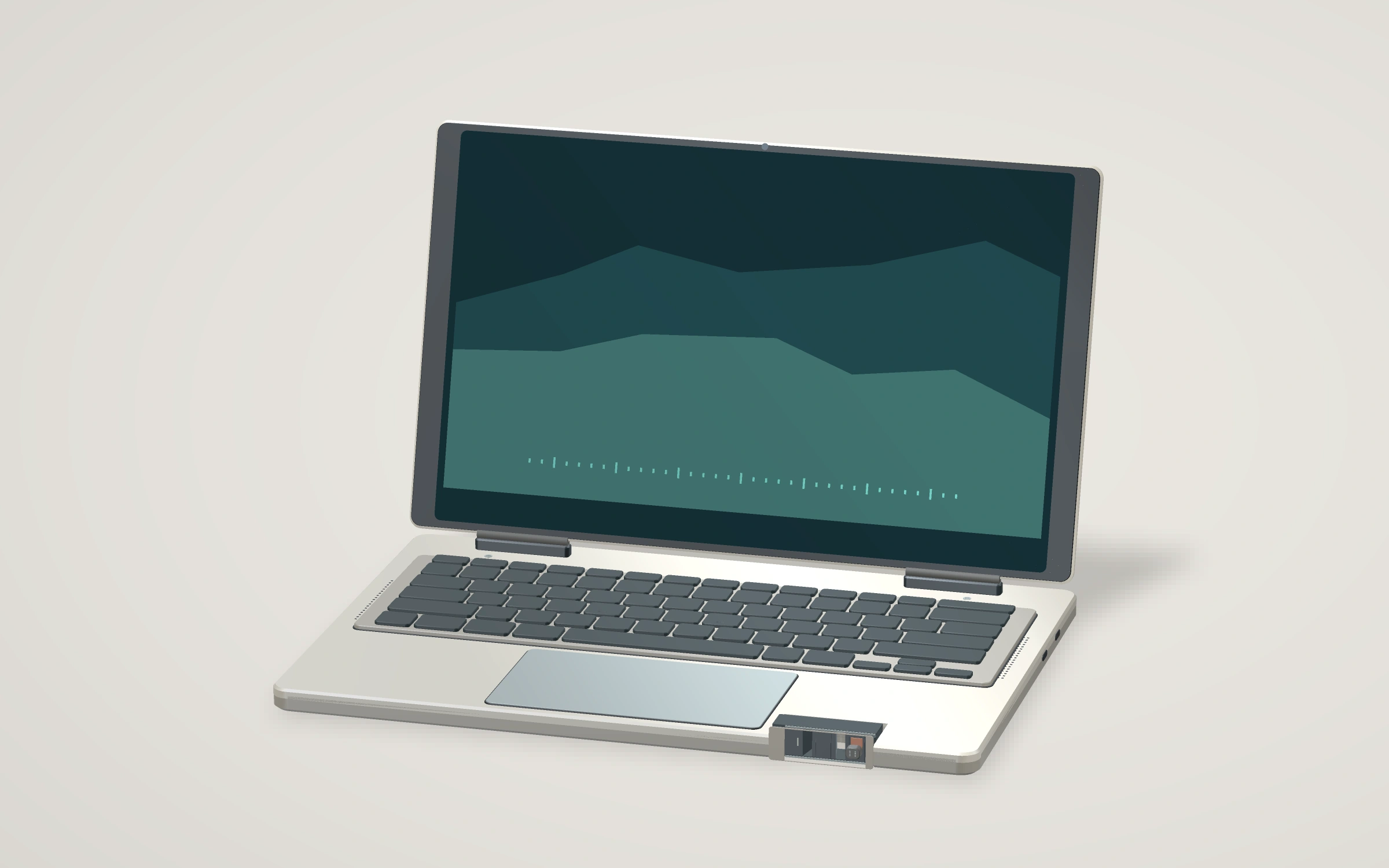
myRoam assembled exterior.
myRoam · Gen 2 · Engineering design rendering · Starlight

Notebook

myRoam

Move from the keys to the wide touch surface. Small hollows on F and J guide your fingers back to home row, and the recessed shutter sits within reach at the front.

Engineering notes

Can someone reach the optical control with a palm resting on the notebook and still work comfortably? Test with real components and a working hinge.

Turn myRoam

Details in the hand / myRoam

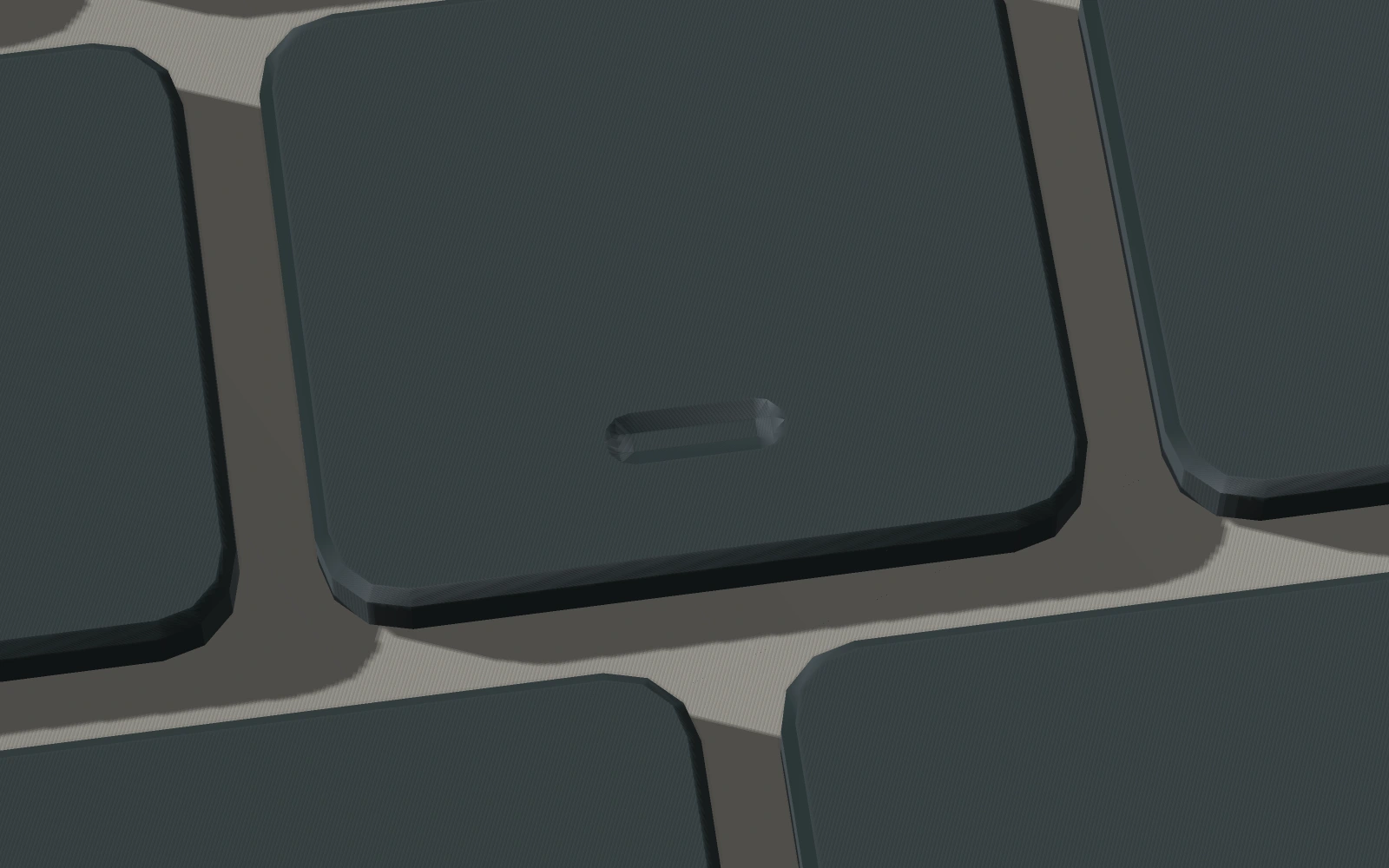
Find home row on myRoam
Find home rowA shallow fingertip hollow marks the F key. A second one marks J.
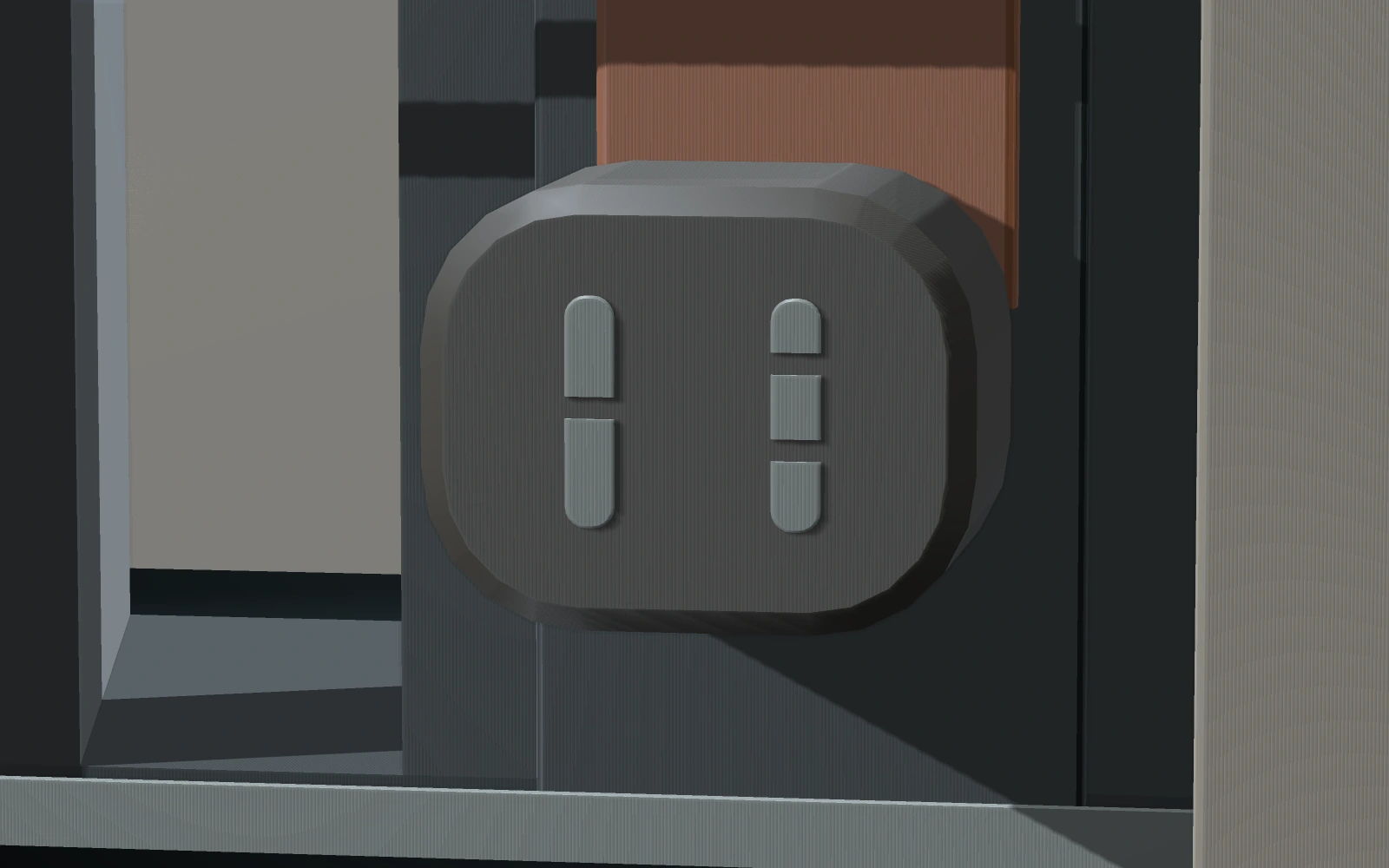
Locate the shutter on myRoam
Locate the shutterOne notch and two notches distinguish the two grip ribs on the recessed paddle.
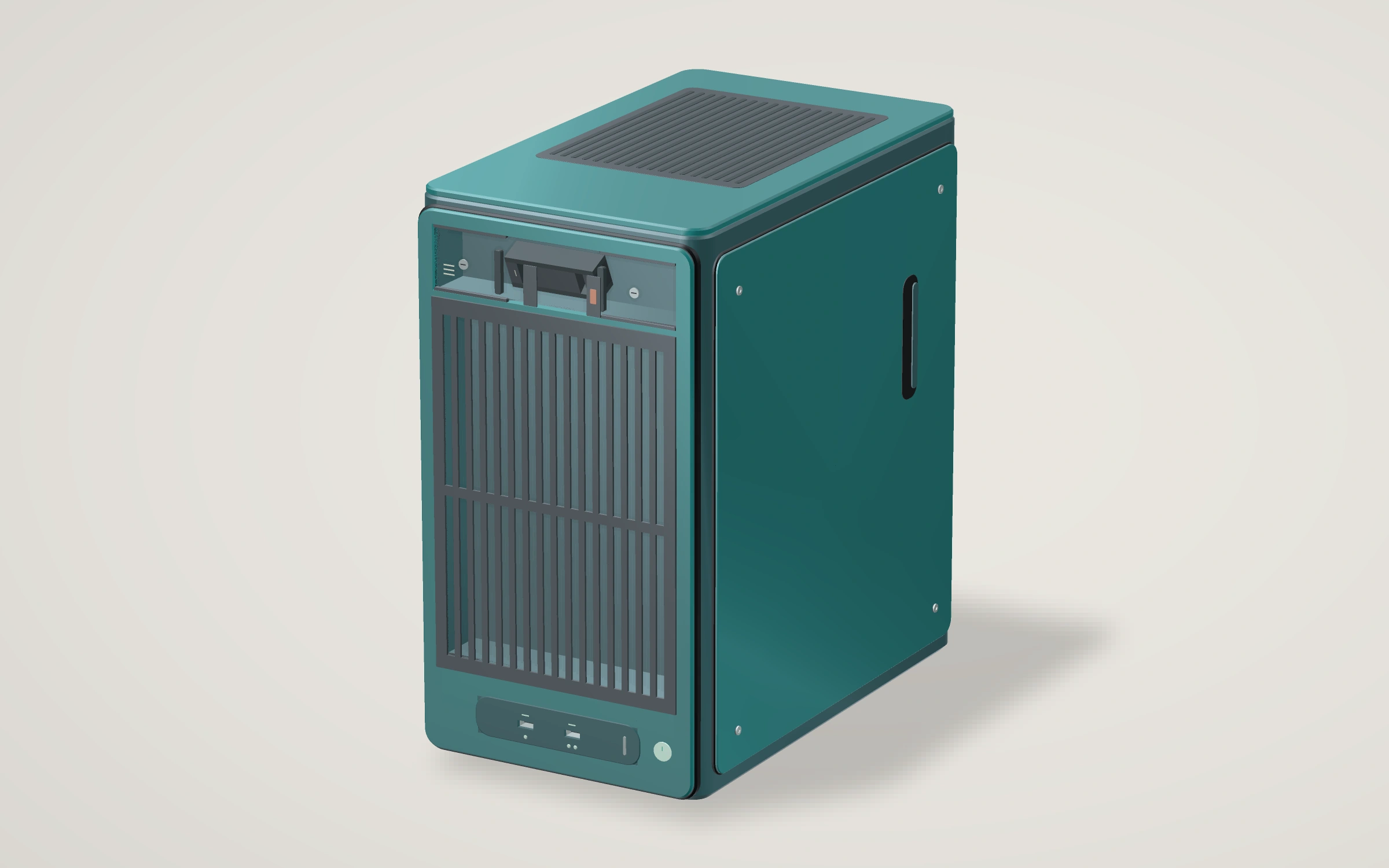
myGrove assembled exterior.
myGrove · Gen 2 · Engineering design rendering · Deep Lagoon

Desktop computer

myGrove

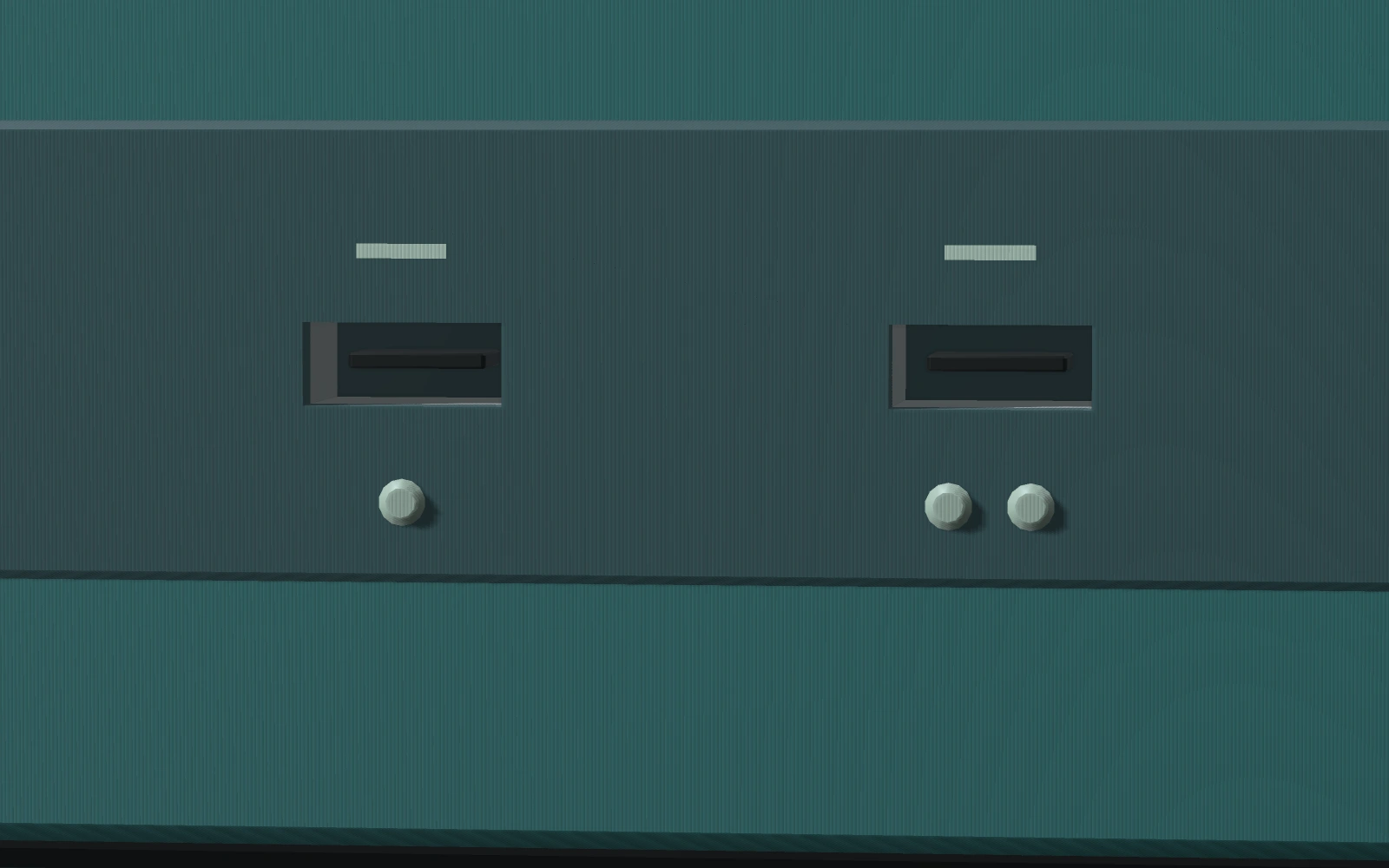
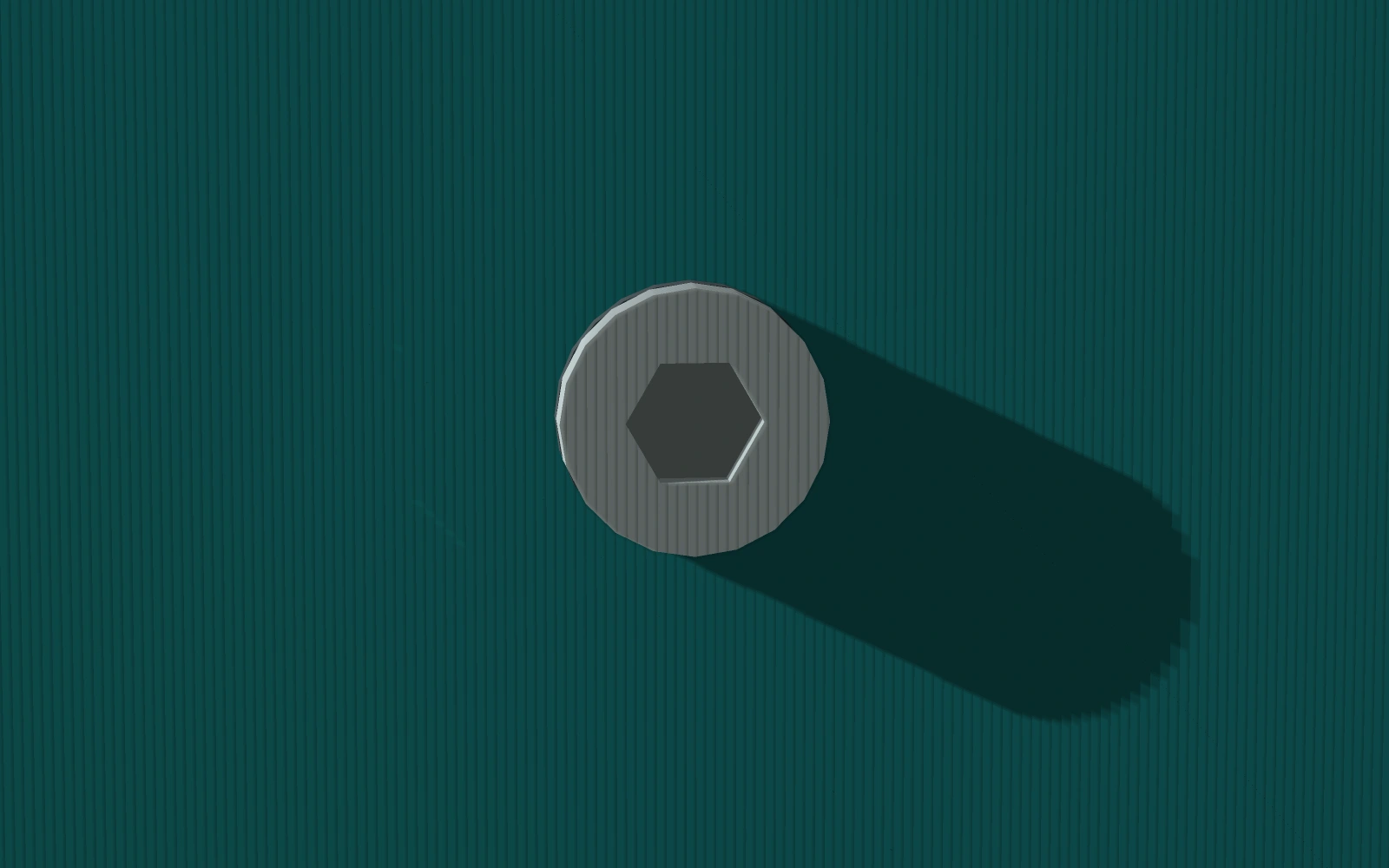
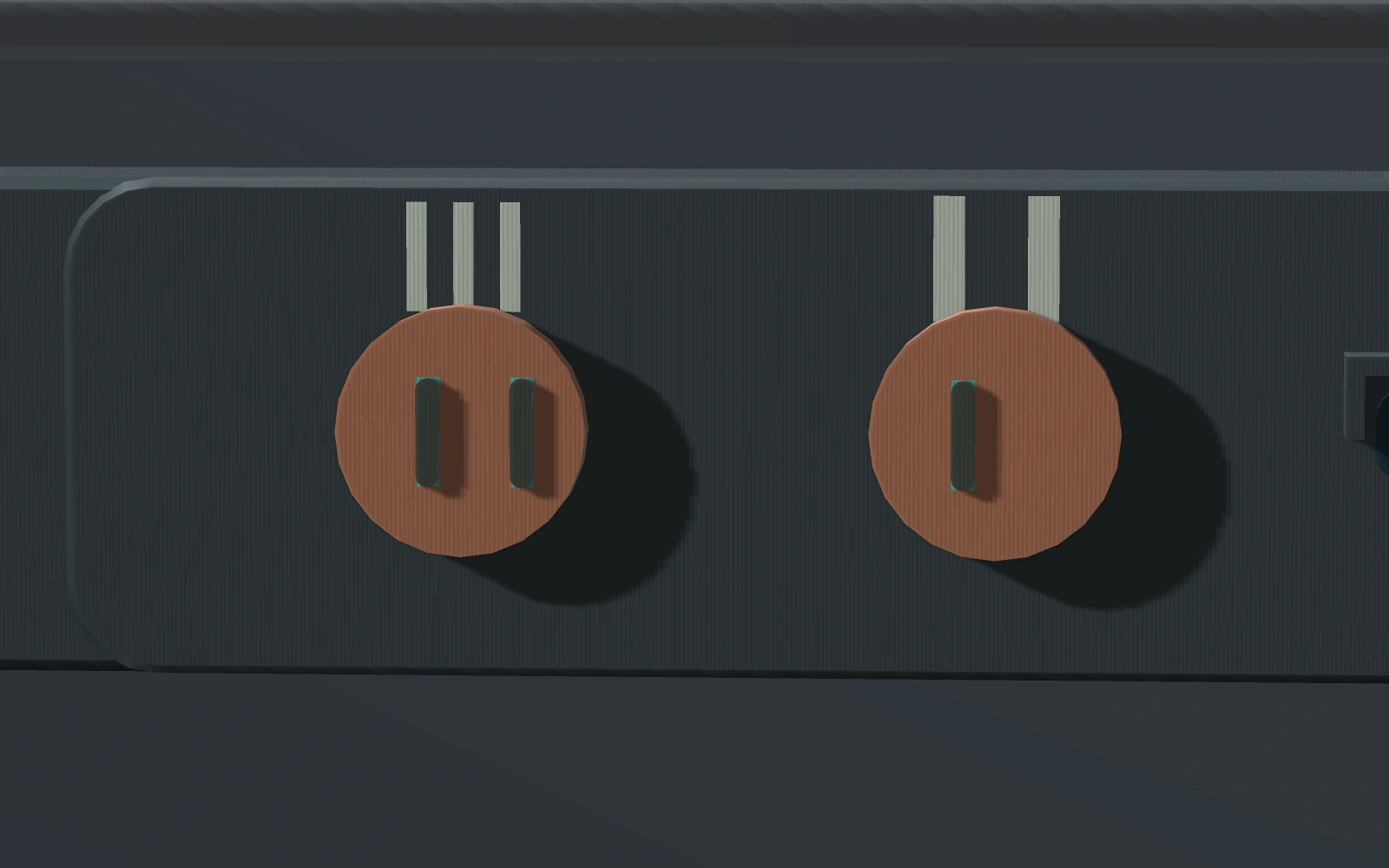
Plug in a cable from the front of the desktop. Raised dots distinguish the two openings by touch. The side panel keeps its service screw captive.

Engineering notes

How much air actually crosses the front grille at an acceptable desk noise level? Measure the proposed enclosure with real fans and a filter.

Turn myGrove

Details in the hand / myGrove

Tell the sockets apart on myGrove
Tell the sockets apartOne raised dot marks the first opening. Two mark the second.
Identify service hardware on myGrove
Identify service hardwareA recessed hex drive identifies the captive service screw at the side door.

Watch the earlier Field Series film

Instruments / Measurement

Research instruments

Path A compares the full transmitted power of two shapes. The Raven stations use a separate receiver architecture to study whether a signal can be calibrated, repeated and transferred between benches.

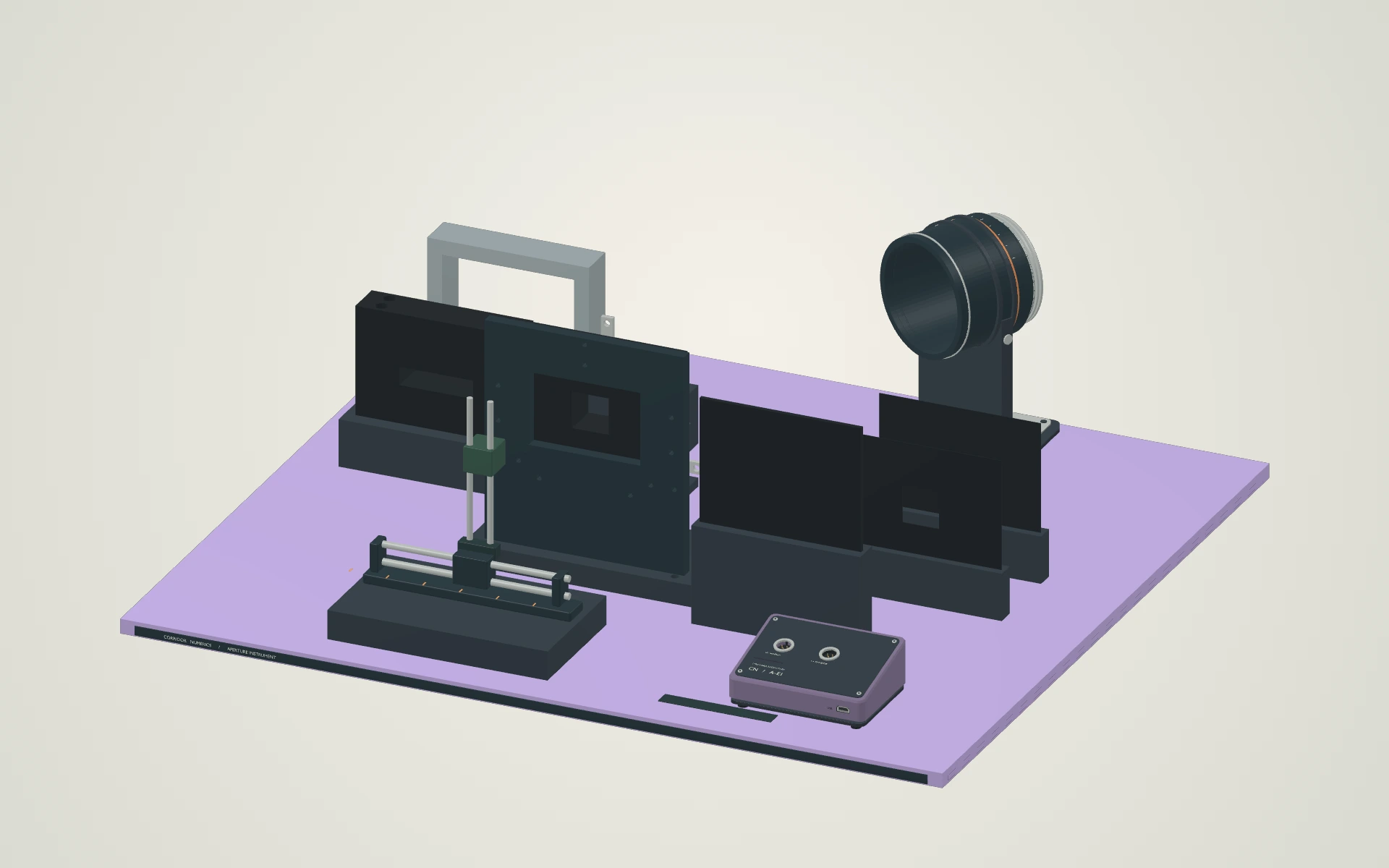
Proof of concept aperture instrument in a digital rendering
Path A · F1 digital design study · 1 November 2026 · Dusk Violet

01 / Matched-aperture bench

Proof of concept aperture instrument

A source seat, interchangeable square and rectangular apertures, and a receiving station make a full-power comparison possible in the proposed layout.

Engineering notes

Characterize the source and check how much a remount changes the result.

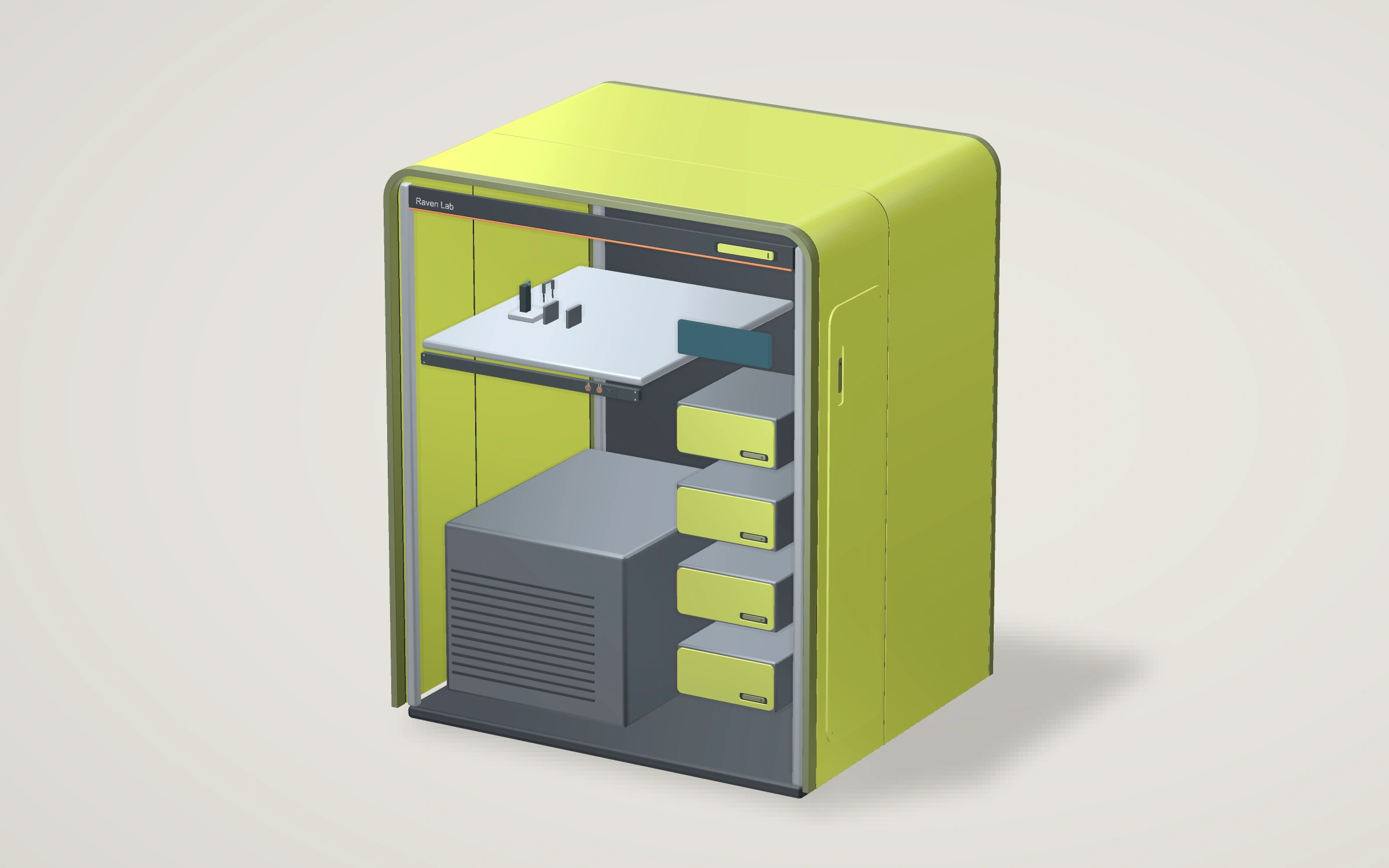
Raven Lab assembled exterior.
Raven Lab · Gen 2 · Engineering design rendering · Electric Quince

Reference station

Raven Lab

The lower operating bridge gives the reference and comparison controls distinct tactile cues. A shared station supports repeat measurements.

Engineering notes

Can seated and standing operators select both controls accurately, without crowding the measurement area?

Turn Raven Lab

Details in the hand / Raven Lab

Choose a reference on Raven Lab
Choose a referenceTwo ribs identify the dark control and one identifies the comparison control.
Read the state witness on Raven Lab
Read the state witnessThe small hood is shaped to shade the indicator while leaving a direct view.
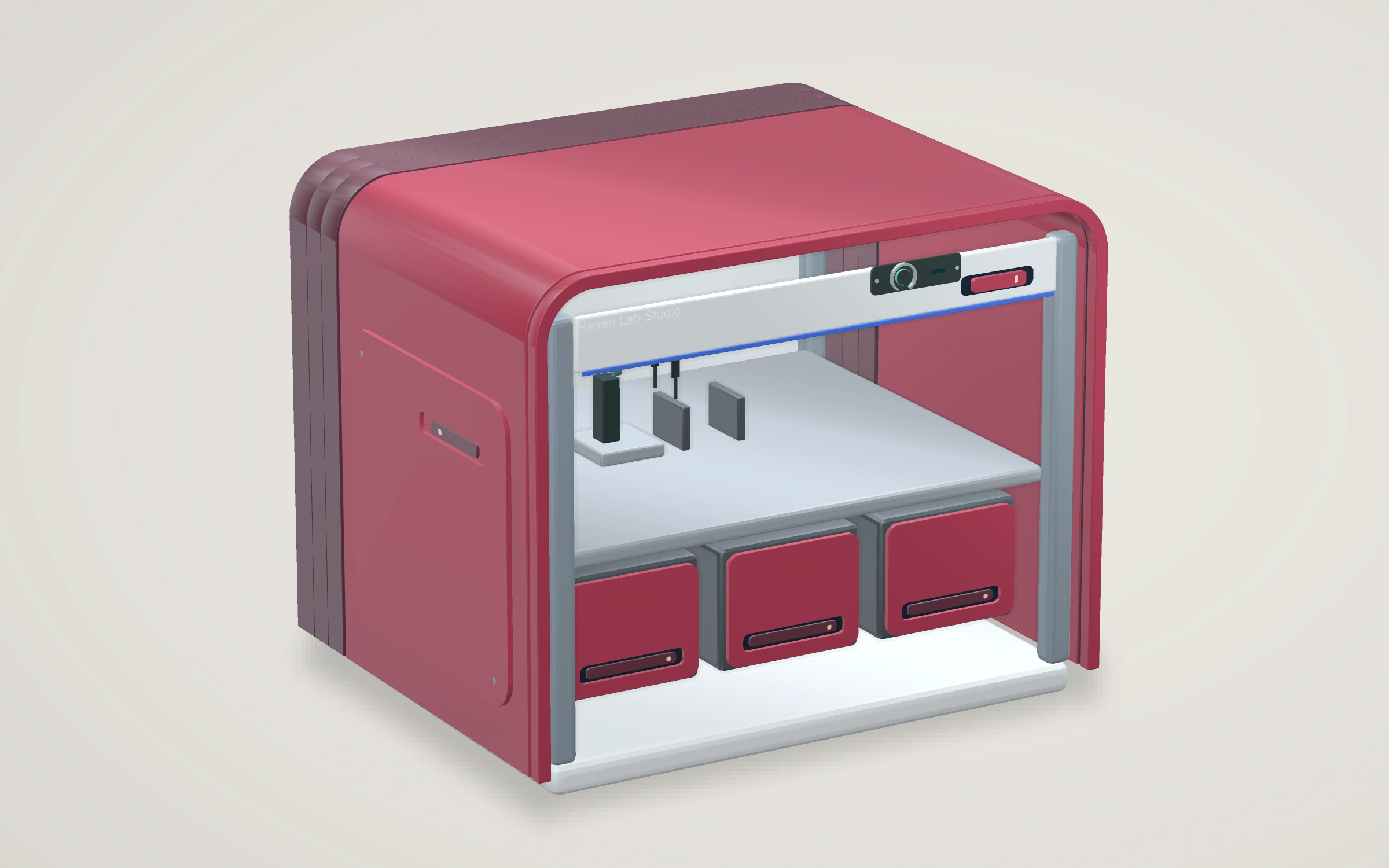
Raven Lab Studio assembled exterior.
Raven Lab Studio · Gen 2 · Engineering design rendering · Morello

Second-bench instrument

Raven Lab Studio

The front of the station gives the operator a single guarded command. A lower opening in its surround leaves room to clean beneath the operating surface.

Engineering notes

With the state hidden, can a second operator repeat the measurement and use the guard comfortably with gloves?

Turn Raven Lab Studio

Details in the hand / Raven Lab Studio

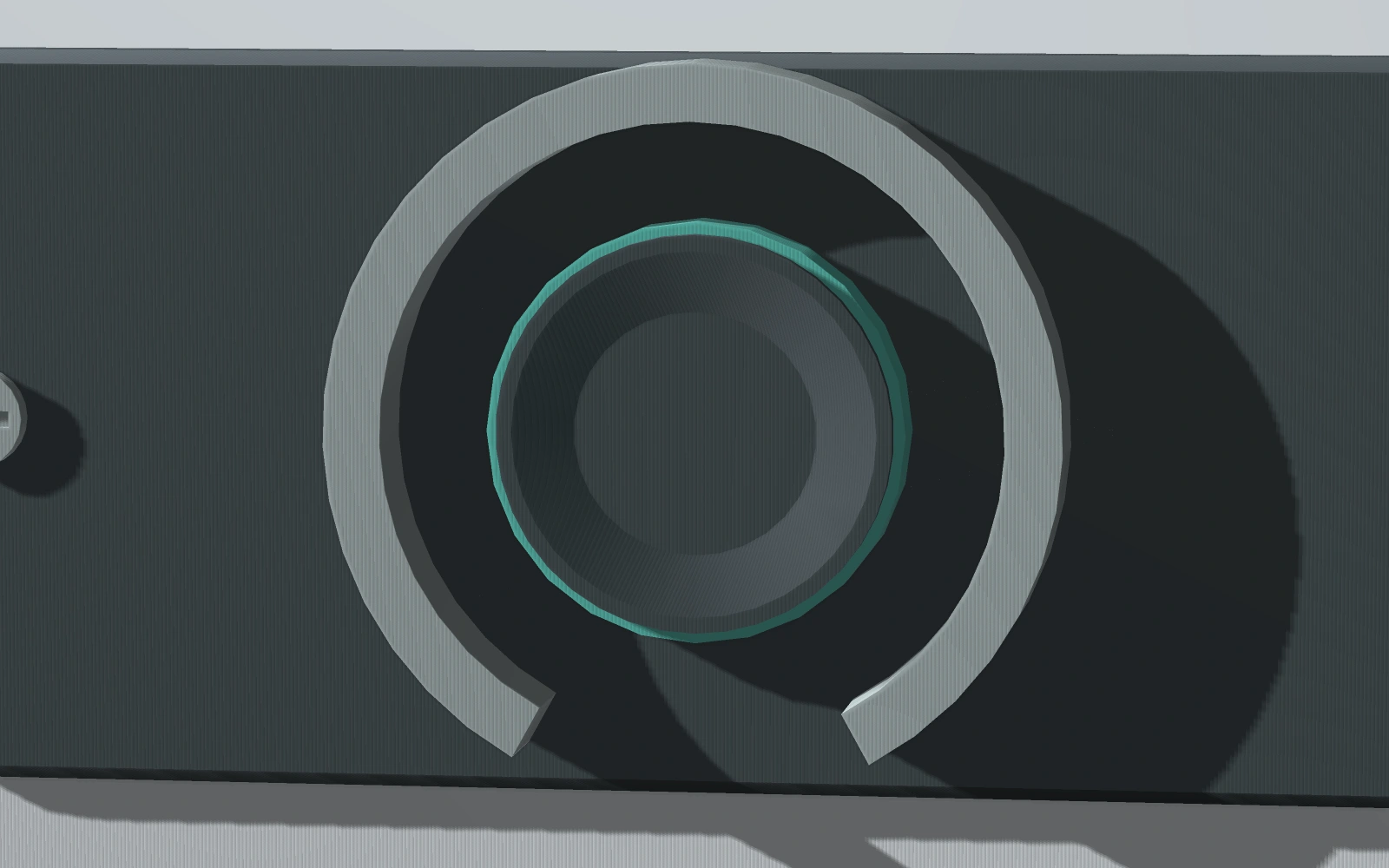
Find the acquisition key on Raven Lab Studio
Find the acquisition keyThe shallow dish centres a fingertip. Its shape stays the same in both reference states.
Distinguish the service stud on Raven Lab Studio
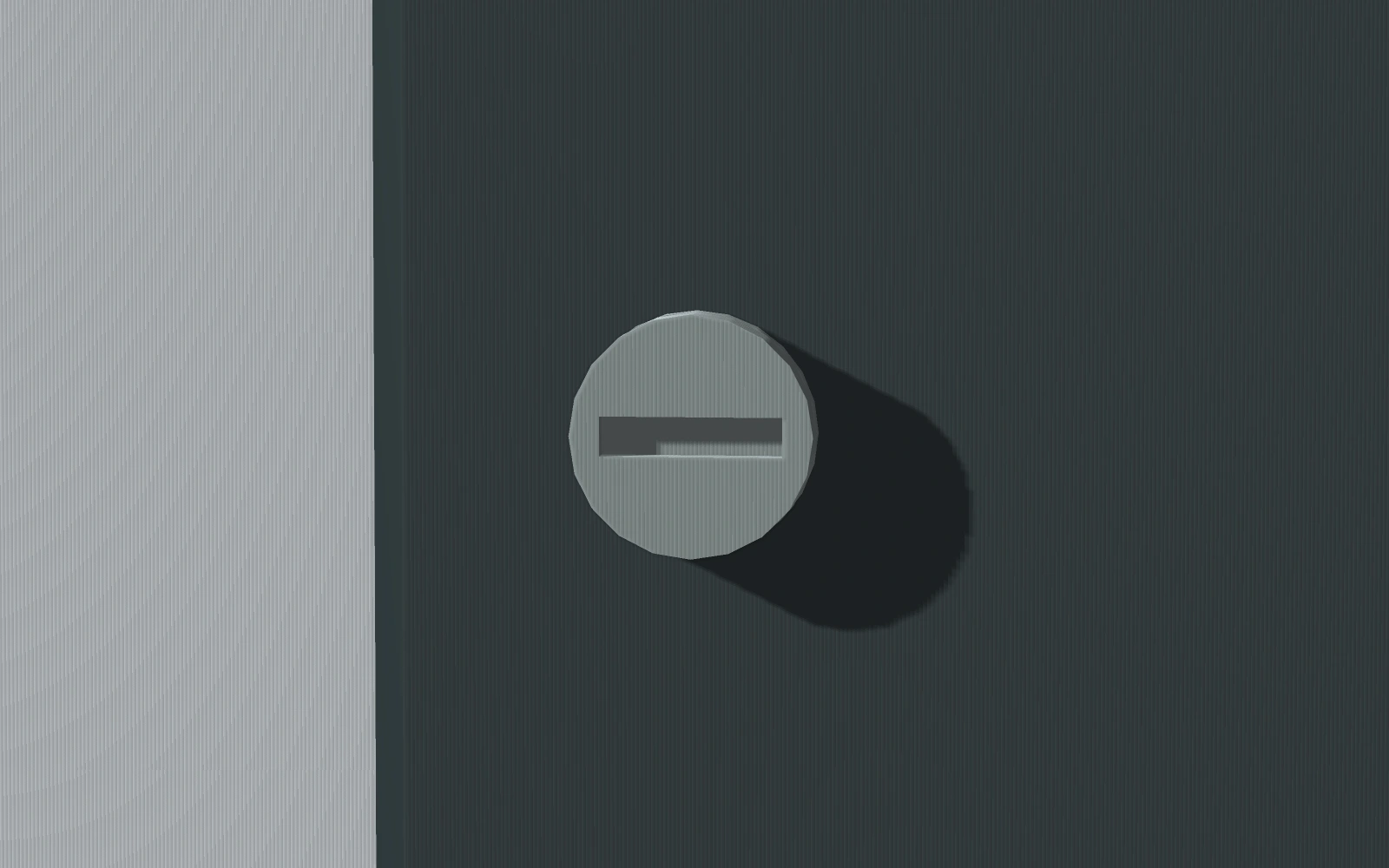
Distinguish the service studThe recessed tool slot distinguishes the service stud from the finger-operated key.

Optics / Published work

The aperture study

A receiver must first reproduce a measured optical response under declared conditions. A computing comparison would then need the same task, input and accuracy target on a conventional host. Energy and time would include illumination, sensing, conversion and transfer as well as processing.

That comparison is ahead of us. The geometric results and the planned bench test can already be examined independently.

Explore the aperture research